
Client Portal
Send your tax documents to Borinken Tax securely — from your computer or your phone. Already have an account? Sign in below. New to the portal? There are two ways to get set up.
Sign in to your secure portal.
If Borinken Tax has already set up your portal account, sign in with the email address and password you created. From there you can upload documents, send us information we've requested, and review what we've received.
Opens the secure MyTaxOffice portal in a new tab.
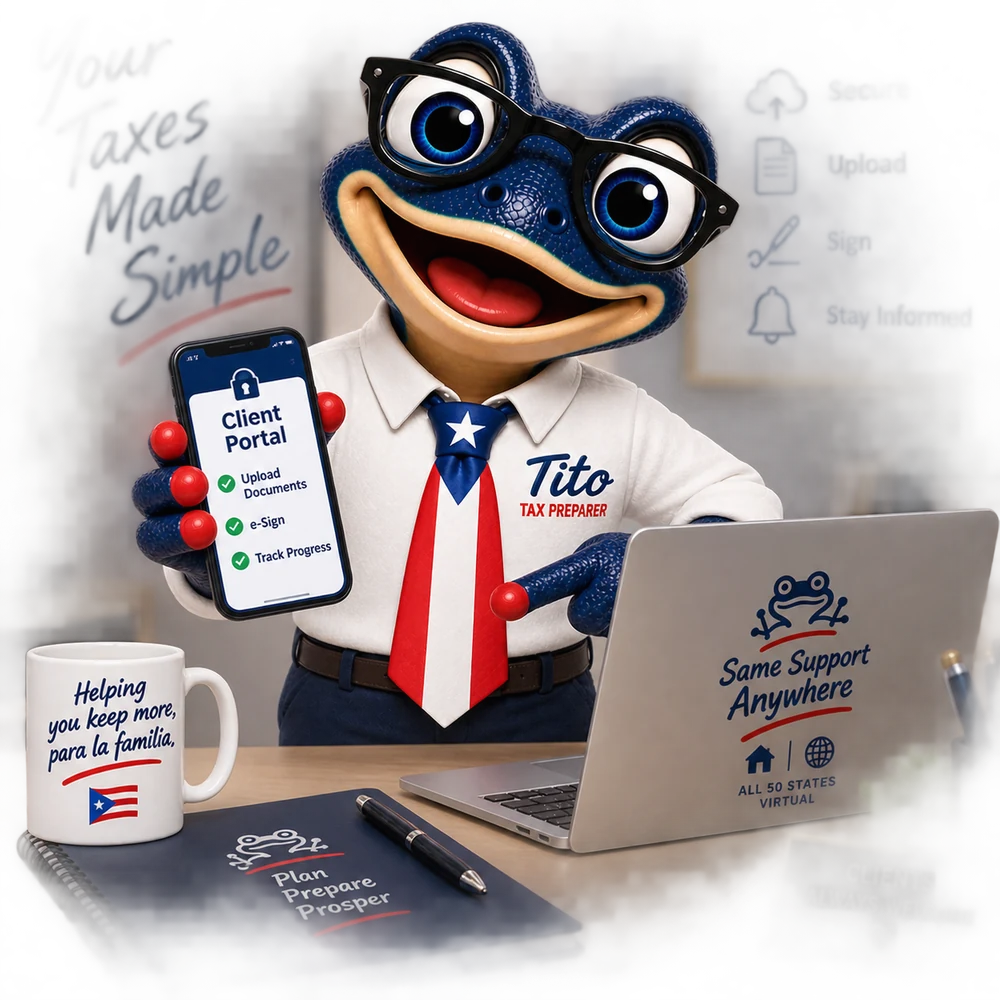
Two ways to get connected.
Whichever you choose, you'll end up in the same secure portal.
Ask us for an invitation
Give us a call and we'll send a portal invitation straight to your email. Follow the link in that message to create your password, and your account is ready. This is the simplest option if you'd rather not set anything up yourself.
Call (317) 551-1716 →Register through the app
Prefer to use your phone? Download the free MyTaxOffice app, create your own account, and enter the Borinken Tax office code to connect it to our office. You can then photograph and upload documents directly from your phone.
See the steps → Need our office code or an invitation?
Call Borinken Tax at (317) 551-1716.
Set up the MyTaxOffice app.
The app is free, and it's the fastest way to send us documents if you'd rather use your phone than a computer.
- Download the app from the App Store or Google Play.
- Create your account with your email address.
- Enter the Borinken Tax office code — call us at (317) 551-1716 and we'll give it to you.
- Upload your documents securely — photograph them right from your phone.
What you can send through the portal
- W-2s, 1099s, and other income forms
- IRS or state notices and letters you've received
- Deduction and credit records — receipts, statements, totals
- Dependent, residency, and identity documents
- Anything else we've specifically asked you for
Not sure whether something belongs in the portal? Send it — we'd rather have it and not need it than the other way around.
Don't email sensitive tax documents.
Regular email isn't a secure way to send Social Security numbers, bank account information, or other sensitive personal details. Please upload those through the client portal or the MyTaxOffice app instead — that's exactly what they're for. If you're not set up yet and something is urgent, call us and we'll find a safe way to get it.
Need help getting into the portal?
Call Borinken Tax and we'll walk you through it — in English or Spanish.